
Chrome extension: structure, styles, and resources
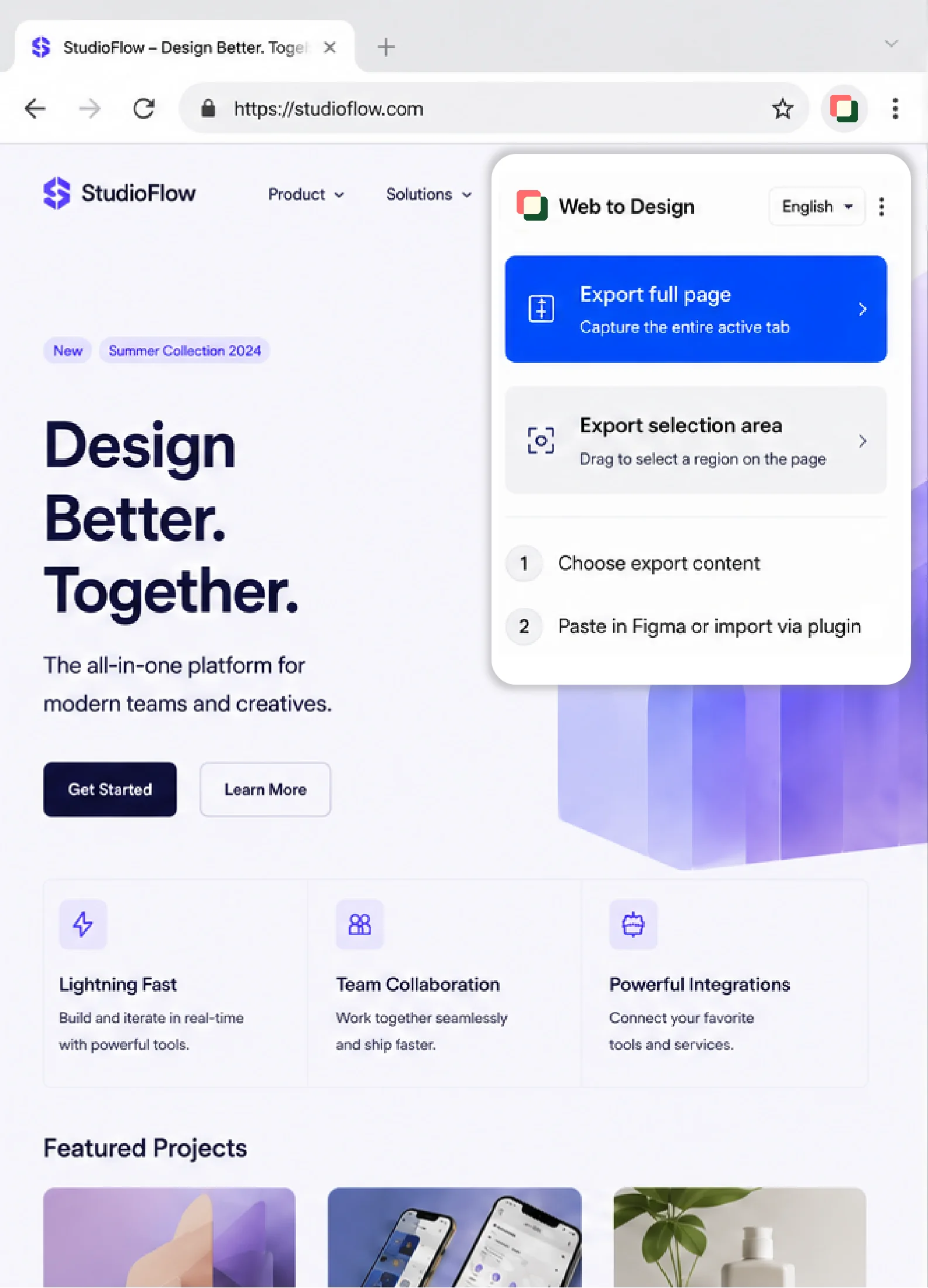
In the browser, render the page, collect structure, styles, and resources, and package them into a local file ready to import.
01

Sign in with Figma
You will be redirected to Figma to authorize. After you approve, you return here to finish signing in.
 Web to Design
 From live web pages to freely editable design files and iterative development — true WYSIWYG focus for your creative work.
 Process
 From page capture to output in Figma, two extensions work in sequence — in seconds, "web content" becomes "design content"
In the browser, render the page, collect structure, styles, and resources, and package them into a local file ready to import.
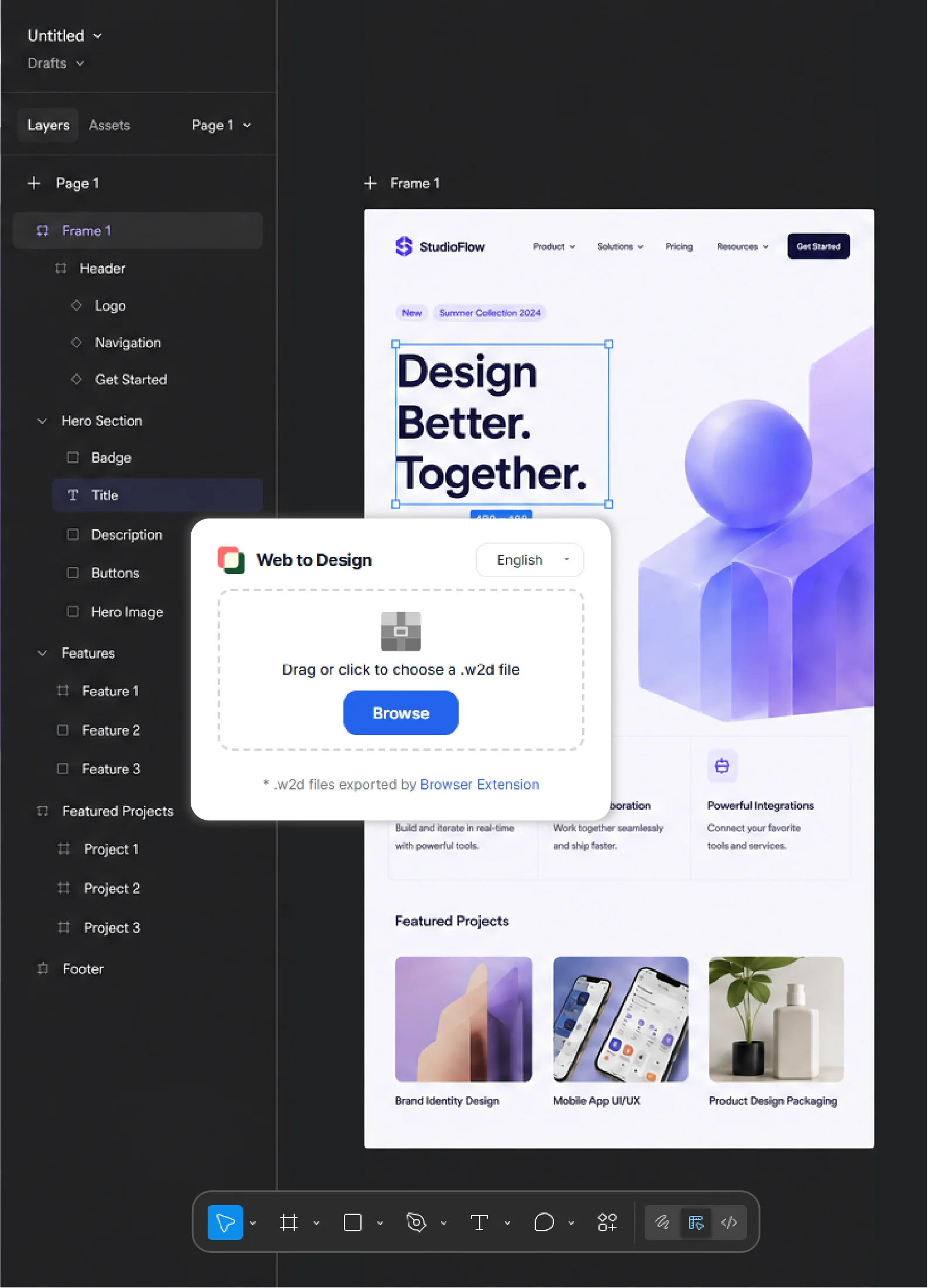
In Figma, read the packaged file, parse elements and hierarchy, and turn page content into canvases you can keep editing and building on.
 Features
 From the open page to an editable Figma canvas — each step saves time and cuts unnecessary back-and-forth.
From the page you have open in the browser, organize structure, styles, and resources locally and build an import-ready intermediate file — without manually rebuilding every resource.
After you import the package into Figma, it parses into editable layers: text, sections, and hierarchy are ready for further design and development.
Preserves layout relationships, component hierarchy, and styling resources from the package so handoff to the next step is easier.

Skip redrawing from scratch and move quickly into style exploration, option comparisons, and client proposals.
Bring the page into Figma as an editable canvas so the team can discuss, annotate, and revise in one place.
 Advantages
 Less repetitive reconstruction, more design and collaboration. Compared with manual redraws or general-purpose AI, the workflow stays clearer and delivery more predictable
Days
Minutes to hours
Seconds to minutes
High
Weaker on complex pages
High
High labor cost
High token usage
Low